
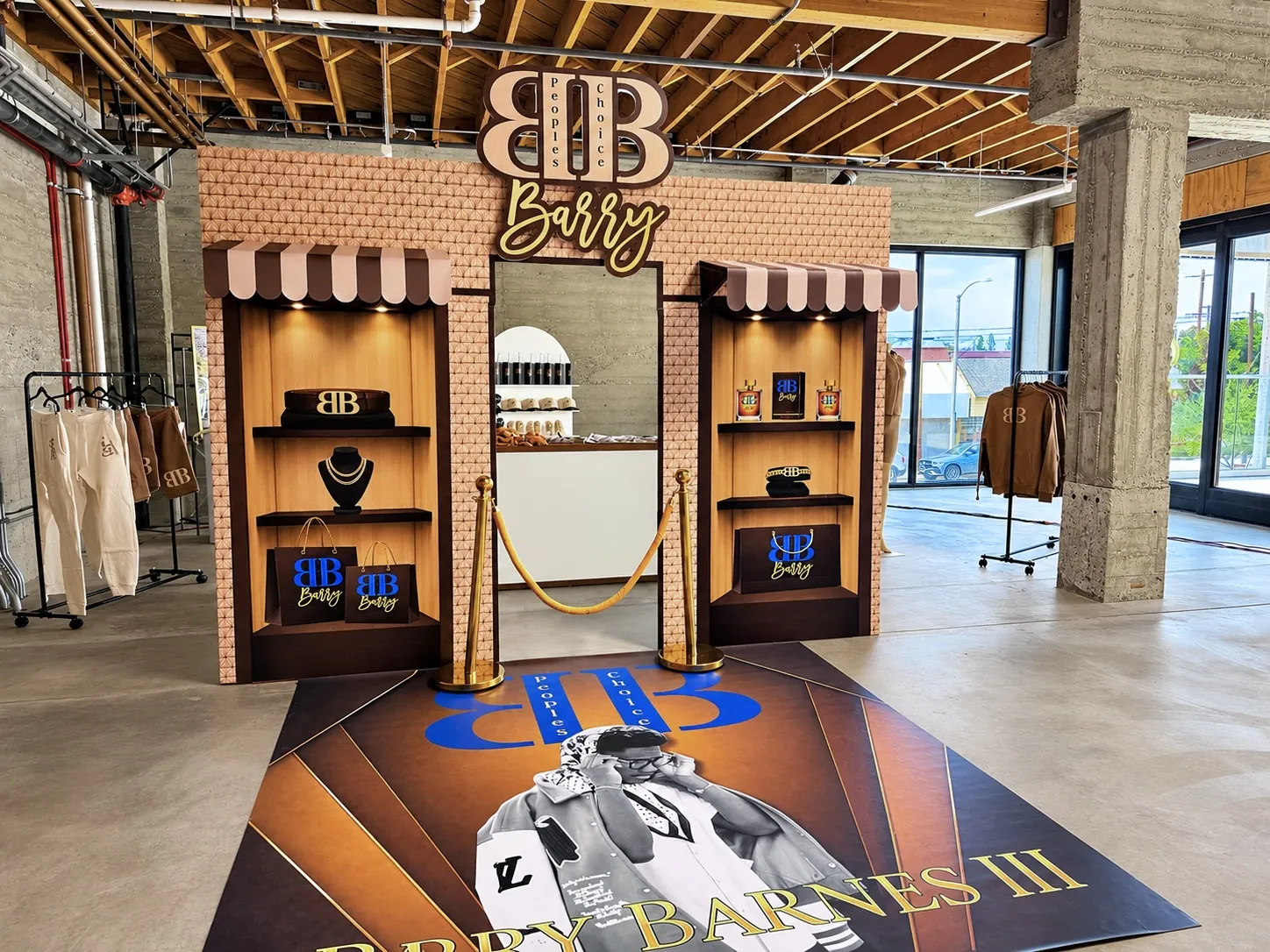
A custom backdrop can make an event feel personal before guests read a single invitation. It can also become an expensive disappointment when the file is the wrong size, the photograph is too small, or the selected material does not suit the installation. Most of these problems begin before printing, while the artwork and physical display are still being planned separately.
This guide connects those decisions. It explains how to measure a backdrop, prepare artwork, choose between a hanging print and an adhesive application, and approve a proof with fewer surprises. It is written for hosts, designers, and new prop builders. Printer requirements vary, so use the workflow as a preparation checklist and confirm the exact production specifications with the supplier handling your order. The measurements below are examples, not instructions to order a particular size.
Start with the finished object
Decide what you are producing before opening a design application. A hanging vinyl banner, an adhesive graphic applied to a panel, and a shaped prop are different objects. They may use different finishing, installation, and artwork requirements. “Backdrop” describes the role at the event, but it does not identify the physical product clearly enough for production.
Write a short specification that names the material, finished dimensions, orientation, display method, and intended location. Include whether the print must wrap an edge or align with a separate structure. If a fabricator is building the support and another supplier is printing, make sure both approve the same dimensions. A shared specification avoids the common problem of a technically correct print that does not fit the object it was meant to cover.
Measure width and height in the same units
Record width first and height second, and label the units every time. A six-foot-wide, three-foot-high panel should not be described merely as “six by three” in a message that also contains measurements in inches. Draw a rectangle and mark the top edge if there is any chance the orientation could be misunderstood.
Convert units before calculating artwork size. Six feet equals seventy-two inches; three feet equals thirty-six inches. That makes the finished panel seventy-two inches wide by thirty-six inches high. Check the actual structure rather than relying on a nominal product name. If two panels meet, measure each panel separately and identify their order. Small dimensional assumptions can become obvious visual problems when artwork is spread across a large display.
Understand aspect ratio before enlarging artwork
Aspect ratio is the relationship between width and height. A six-by-three backdrop has a two-to-one ratio. An eight-by-eight backdrop is square. Artwork designed for one cannot fill the other without cropping, stretching, or adding space. Enlarging the file does not solve a mismatch in shape.
Choose which adjustment is acceptable before the design is finalized. Cropping may remove part of a face, name, or decorative border. Stretching distorts shapes and lettering. Adding space requires a designer to extend the layout thoughtfully. Keep the important content in a composition that suits the finished rectangle. When adapting an invitation into a backdrop, rebuild the layout for its new purpose rather than treating the invitation image as a ready-made large-format file.
Check resolution at the final printed size
Pixel dimensions tell you more than a file’s size in megabytes. To estimate the effective pixels per inch, divide the image width in pixels by its printed width in inches. An image that is 3,600 pixels wide printed across seventy-two inches provides fifty pixels per inch. That calculation does not automatically tell you whether the result is acceptable; it shows what information the file actually contains.
Ask the printer what image resolution suits the material, subject, and intended viewing distance. Adobe’s print-resolution guidance explains that large prints viewed from farther away can work at lower resolutions than small prints examined closely. A face photographed at close range deserves particular attention. Changing a resolution field without adding useful image detail does not magically repair a small original photograph.
Keep lettering and logos crisp
Use original logo artwork where available and keep text as editable type or suitable vector content until the printer’s export requirements are clear. A screenshot of a logo often contains compression artifacts or a background that becomes visible at scale. Ask the business or designer for the proper source file rather than rebuilding a brand mark from a social media image.
Make typography readable at the expected viewing distance. One clear event name usually works better than several competing fonts and long paragraphs. Check spacing, line breaks, and contrast against the background. If a logo has thin lines or small lettering, request a review at the actual output size. The file can look polished on a laptop and still lose important detail when viewed from across a room.
Separate trim, bleed, and the safe area
The finished size is the size the customer expects after cutting or finishing. Bleed is extra artwork extending beyond an intended trim edge. A safe area keeps essential content away from edges or finishing zones. These are related measurements, but they are not interchangeable, and the required allowances depend on the product and production method.
Ask the printer for the exact template or specifications for your order. Do not adopt a bleed value from an unrelated business card tutorial and assume it applies to a large banner with hems or pole pockets. Extend background artwork where requested, but keep names, faces, logos, and critical text inside the recommended safe area. Mark any seams, folds, or panel joins so the layout can avoid putting important details in those locations.
Choose a hanging print or adhesive application deliberately
A hanging vinyl backdrop is intended to be displayed with an appropriate support and finishing method. An adhesive print is intended to bond to a suitable surface. They are not interchangeable simply because the same artwork can be printed on both. Think about how the piece will be installed, handled, removed, transported, and stored.
For an adhesive application, identify the exact substrate and its condition. Paint, texture, coatings, and surface preparation can affect performance. 3M’s substrate preparation guidance emphasizes testing film adhesion on painted surfaces. That is product-specific technical guidance, not a guarantee for every vinyl. Confirm the actual material’s instructions with your supplier, and do not promise damage-free removal from an untested surface or assume a wall graphic is suitable for a walking surface.
Make finishing part of the artwork conversation
Hems, grommets, pole pockets, and cut-only edges serve different display plans. A finishing choice should follow the support system rather than being selected at random during checkout. Confirm where attachments will be placed and whether any visible border or pocket area affects the artwork. Tell the printer if the finished piece must match a frame precisely.
If a venue or installer supplies the support, send that information before ordering. A banner that arrives beautifully printed but cannot attach to the available stand has not solved the event problem. Also ask how the supplier recommends packing and transporting the finished material. Avoid folding or rolling assumptions that could damage a print. An installation plan is part of getting a usable product, not an optional detail after production.
Review color expectations before approval
Screens produce light, while printed materials reflect it. A bright screen image is therefore not a physical color promise. Material finish and event lighting can change the appearance further. If exact brand colors matter, provide the relevant reference information and ask what proofing or sample process the printer can offer.
Follow the supplier’s requested color workflow and file settings. Do not convert between color modes repeatedly without knowing why, and do not assume a generic export preset is appropriate for every printer. For a personal celebration, agree on the intended visual direction and acceptable variation. For a brand activation, build enough time into the schedule to review the color expectations carefully. Clarifying this before production is more useful than debating screen brightness after the finished print arrives.
Treat the proof as a production decision
Read every word on the proof, even if the text was copied from an earlier approved message. Check names, dates, age numbers, capitalization, and punctuation. Review the dimensions, material, finishing, orientation, and file version alongside the visual layout. A proof approval should confirm the whole order rather than only whether the artwork looks attractive.
Choose one person to send the final approval and collect feedback before that person responds. A message thread containing several conflicting revisions is a poor production record. Save the approved version with a clear filename and date. Ask whether the proof represents layout only or includes other guarantees, because a digital proof may not establish physical color accuracy. Once production begins, changes can require new work, so ask about that boundary in advance.
Plan delivery around the installation date
The event date is not the same as the date you need the print in hand. Allow time to inspect it, confirm the fit, and coordinate installation. Ask for the supplier’s current production and delivery estimates for the actual order. A generic website turnaround statement may not account for artwork revisions, unusual finishing, or the destination.
When the print arrives, check its dimensions, condition, and order details before event day. If there is a problem, provide clear photographs and the order reference promptly. Store the material as recommended and keep the packaging if it is useful for transport. A short inspection window can reveal an orientation mistake or missing finishing detail while there is still time to discuss a solution. Leaving the package unopened until setup removes that opportunity.
Keep a reusable print specification sheet
For recurring events or a prop business, record the approved dimensions, material, finishing, artwork filename, and installation notes after each successful job. Store the original design separately from exported print files. This prevents a low-resolution proof image from accidentally becoming the source for the next order. It also makes reordering more accurate when a client wants a similar display in another size.
Before your next order, gather measurements and review our print services, adhesive prints, or vinyl backdrops. Use the event décor budget guide to reserve funds for printing and installation together. A print-ready file is only one part of a print-ready project. When the artwork, material, dimensions, and display plan agree, the finished backdrop has a much better chance of looking the way you imagined.
Your visual planning guide
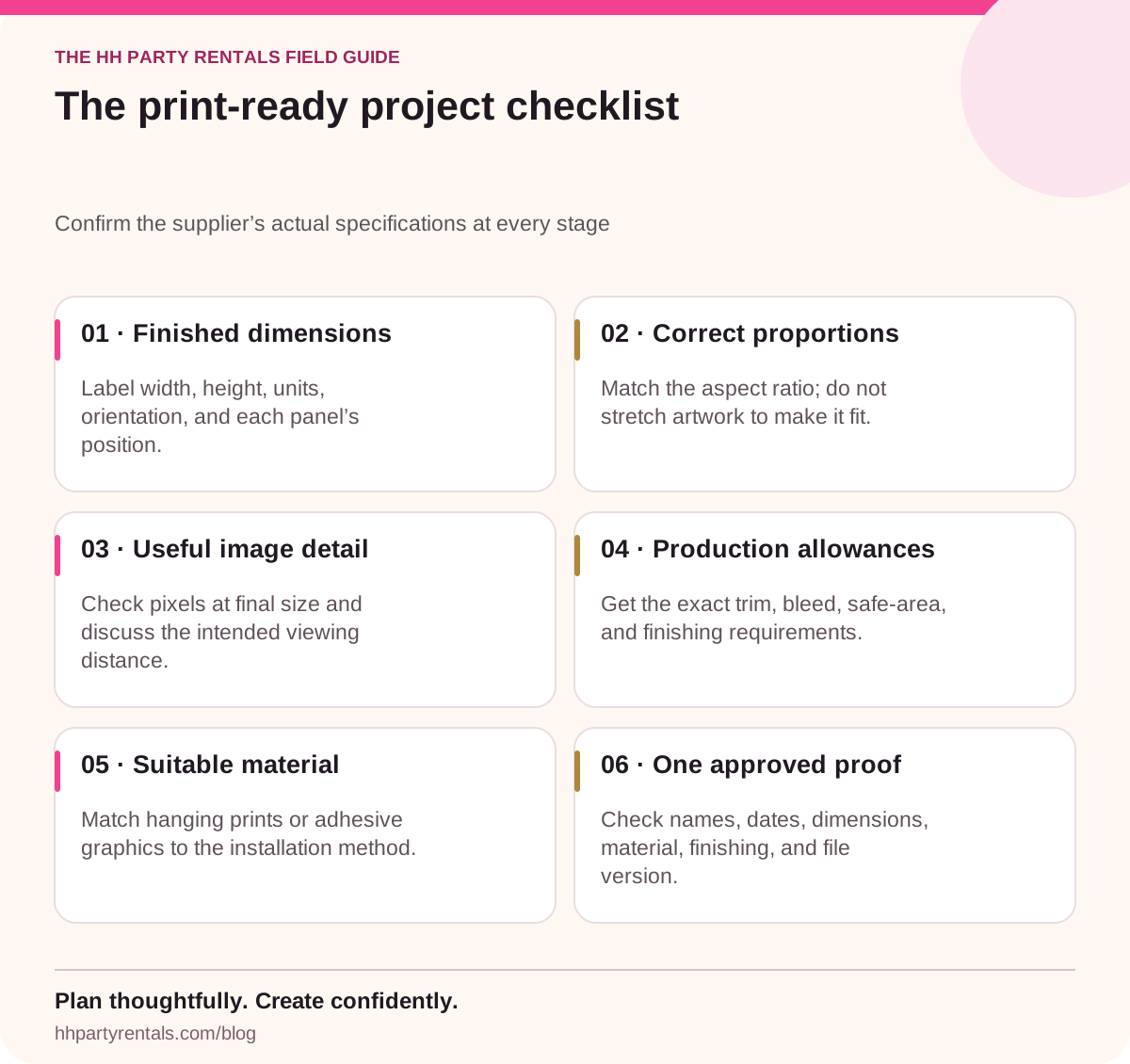
Read the infographic as text
- 01 · Finished dimensions
- Label width, height, units, orientation, and each panel’s position.
- 02 · Correct proportions
- Match the aspect ratio; do not stretch artwork to make it fit.
- 03 · Useful image detail
- Check pixels at final size and discuss the intended viewing distance.
- 04 · Production allowances
- Get the exact trim, bleed, safe-area, and finishing requirements.
- 05 · Suitable material
- Match hanging prints or adhesive graphics to the installation method.
- 06 · One approved proof
- Check names, dates, dimensions, material, finishing, and file version.
Bring your next idea to life
Share your date, venue, measurements, and priorities. We can help you explore the relevant rentals, printing, or learning options.
Talk to HH Party Rentals